Productivity Apps That Are Actually Worth Downloading
Let’s be honest: most of us spend more time organizing our work than actually doing it. We fall into this endless loop of downloading every new tool that promises to fix our lives, only to end up more overwhelmed than when we started. It’s frustrating to feel like you’re constantly running on a treadmill—moving fast, but getting absolutely nowhere. Finding the best productivity apps isn’t about adding more digital clutter to your phone; it’s about finding those rare, streamlined tools that actually cut through the noise and help you reclaim your focus.
I’ve spent way too many hours testing software that promises the world but delivers nothing but notifications. That’s why I’ve narrowed this list down to the only five tools that actually moved the needle for me. In this post, I’m breaking down exactly how these specific apps can help you stop the busywork and start making real progress on the things that actually matter. Get ready to strip away the distractions and finally build a workflow that actually works for your brain.
Table of Contents
Notion: The All-in-One Chaos Killer
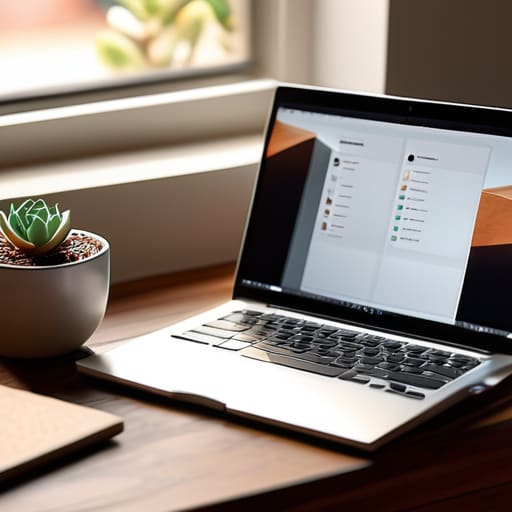
Let’s be real, most of us have a dozen different tabs open just trying to keep track of a single project. Notion is basically the cure for that digital clutter. It’s a workspace where you can build your own custom system, whether you need a simple to-do list or a massive, complex database to track every single detail of your life. The beauty is in the infinite flexibility; you aren’t forced into a rigid structure that doesn’t fit how your brain actually works.
Todoist: For the Minimalist Who Needs Results
If the idea of “building a system” makes you want to take a nap, then Todoist is your best friend. It’s stripped back, incredibly fast, and focuses on the only thing that actually matters: getting stuff done. You just type in a task, set a due date, and get on with your life. It’s perfect for those days when you don’t have the mental bandwidth to organize a complex workspace and just need to see what’s next on the agenda.
Forest: Gamifying Your Focus
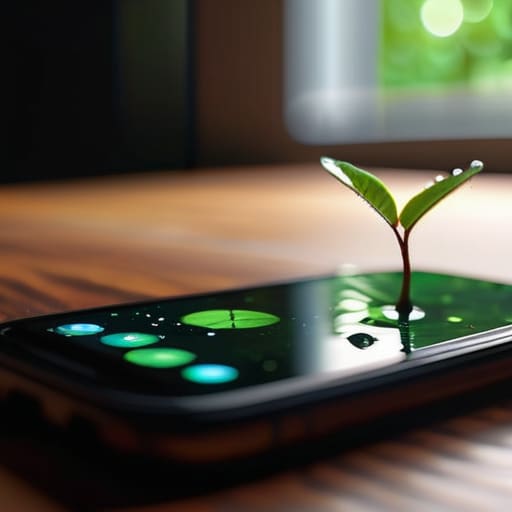
We all know the feeling—you sit down to work, and suddenly you’ve spent forty-five minutes scrolling through social media for no reason. Forest is a brilliant way to tackle that phone addiction by turning focus into a literal game. When you want to concentrate, you plant a digital seed. If you stay off your phone for the set duration, your tree grows; if you leave the app to check Instagram, your tree dies. It sounds silly, but the psychological sting of killing a tiny digital plant is surprisingly effective.
Trello: Visualizing Your Workflow
Some people think in lists, but most of us actually think in movement. Trello uses a Kanban board style that lets you see your projects as cards moving through different stages—like “To Do,” “Doing,” and “Done.” It’s incredibly satisfying to physically drag a task from one column to the next. If you’re managing a team or even just a complex personal project, seeing the entire bird’s-eye view of your progress helps prevent that feeling of being buried alive by tasks.
Obsidian: The Second Brain
For the deep thinkers, researchers, or anyone who deals with massive amounts of information, Obsidian is in a league of its own. Unlike traditional note-taking apps that store everything in isolated folders, Obsidian allows you to link your notes together like a web. This creates a “knowledge graph” where you can actually see the hidden connections between different ideas. It’s less about storing data and more about actually understanding it.
The Bottom Line
Don’t fall into the “productivity porn” trap—an app is only useful if it actually saves you time, not if you spend all day tweaking its settings.
Pick one tool for tasks and one for focus, then stop searching; more apps usually just lead to more distraction.
The best workflow is the simplest one that actually sticks, so start small and build from there.
The Hard Truth About Tools
“Stop collecting apps like they’re Pokémon. A fancy task manager won’t fix a broken workflow; it’ll just give you a prettier way to watch yourself procrastinate.”
Writer
Final Thoughts
Look, there isn’t a magic pill here. Whether you decide to go all-in on a heavy-duty task manager or just want something simple to keep your notes organized, the goal is the same: removing the friction from your day. We’ve looked at how different tools handle everything from deep work to quick checklists, but the real takeaway is that the best app is the one you actually use. Don’t get caught in a loop of “productivity porn” where you spend more time tweaking settings and color-coding calendars than actually doing the work that matters. Pick one, set it up, and get to work.
At the end of the day, these apps are just tools in your kit—they aren’t the craftsman. You can have the most expensive, feature-packed setup in the world, but if you don’t have the discipline to follow through, it’s just digital clutter. Use these apps to clear the mental fog, but remember that true productivity comes from focus, not from having a perfect interface. Stop searching for the “perfect” system and start building momentum with what you have right now. You’ve got the tools; now go make something happen.
Frequently Asked Questions
Should I pay for a subscription or stick to the free versions?
Look, don’t go throwing money at every shiny icon you see. Start with the free versions—most of them are surprisingly robust. Only pull the trigger on a subscription when you hit a specific “wall,” like needing advanced automation or team collaboration. If the app becomes the backbone of your workflow and saves you more time than it costs in dollars, then it’s an investment, not an expense. Otherwise, keep your cash.
How do I stop myself from getting distracted by the apps themselves?
The irony is real: you download a productivity app to save time, only to spend three hours color-coding your calendar. To stop the spiral, treat your tools like hammers—they’re for hitting nails, not for staring at. Set a “setup timer.” Once the clock hits ten minutes, stop tweaking the interface and actually start working. If you find yourself playing with settings instead of finishing tasks, close the app. The tool is secondary; the work is everything.
Is it better to have one "everything" app or a few specialized ones?
Honestly? Go with specialized apps. The “all-in-one” dream sounds great until you realize that a tool trying to do everything usually does nothing particularly well. You end up fighting the interface just to perform basic tasks. I’d much rather have a killer note-taker, a dedicated task manager, and a solid calendar that actually talk to each other than one bloated, clunky monster that slows my entire workflow to a crawl.